Interface Design
Nutri Blender For Atomberg
//01
//02
//03
Project Description
My role
Product Details
Name: Zephyr Nutri Blender
Category: Kitchen Appliance
> UI flow Design
> Light animation design
> Experience design
> 3 Blending Modes
> Fault Indications
> 1 min. Auto Cut Off
[2025]
UI/UX Design
SKU: Midnight Black
// User Personas
01 : Gym Goers/ Fitness Enthusiasts

Priya, 26, single, Bangalore
Pursuing her Masters at IIM
Lifestyle : Fitness enthusiast, loves hiking and exploring new places, ambivert, part-time yoga instructor, focusing on studying & staying fit through working out as well as eating healthy
02 : New Turned Parents

JESSICA, 31, 1st time mother, Mumbai
Works at TCS
Lifestyle : Hybrid work-style, tech enthusiast, avid learner, busy handling home & work together
03 : Experimentalist/ Bachelors

Janet, 31 & Vidhaan, 34, new couple, Delhi
Janet is an artist (WFH) , Victor works at an engineering firm (Hybrid)
Lifestyle : Foodies, love cooking together as a means of bonding, try new cuisines all the time, trying out a portable and quick device, managing space in their studio apartment
// Current Interface in the Market: For NB Product Category (Primary Research)
E-Com site pictures


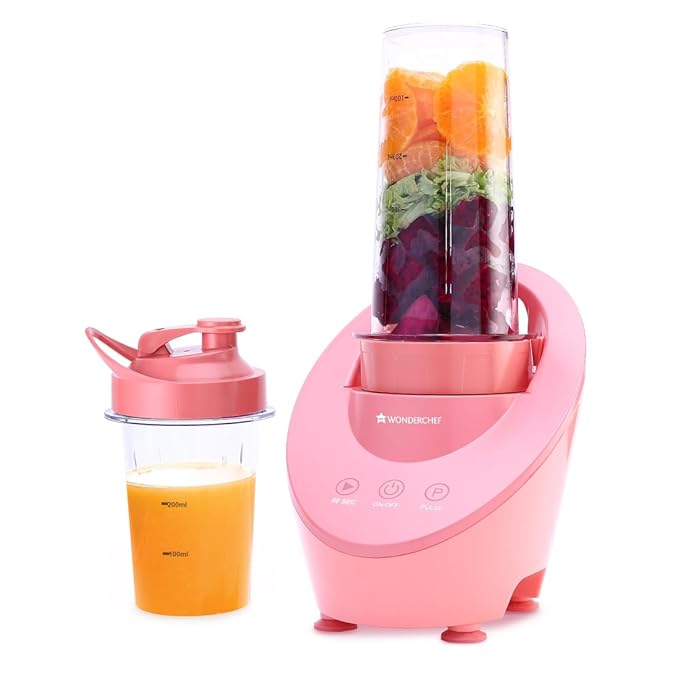
Interface
Knob operation
-with 2 speeds
Press and rotate
-single speed
Single Switch
-single speed
Touch
-single speed
-with 30 sec timer
Pros
Knob common across
kitchen appliances, hence
user is aware how to use.
The overall design
looks clean
Gives user the control
to turn on/off in a
single press
Touch operations gives
user more premium feel
Cons
Very traditional mode
of speed operations
The pressing and rotating
of jar is not intuitive for
operation
On/off control is at the
bottom, not a preferred
location
Touch sometimes not
responsive
// Secondary Research
User
Age: 24 years
Lifestyle: Partially Active
Persona: Bachelor
Age: 33 years
Lifestyle: Higly Active
Persona: Gym Enthusiast
Age: 28 years
Lifestyle: Not Active
Persona: Newly Married
Age: 40 years
Lifestyle: Partially Active
Persona: Nuclear Family
User Activity
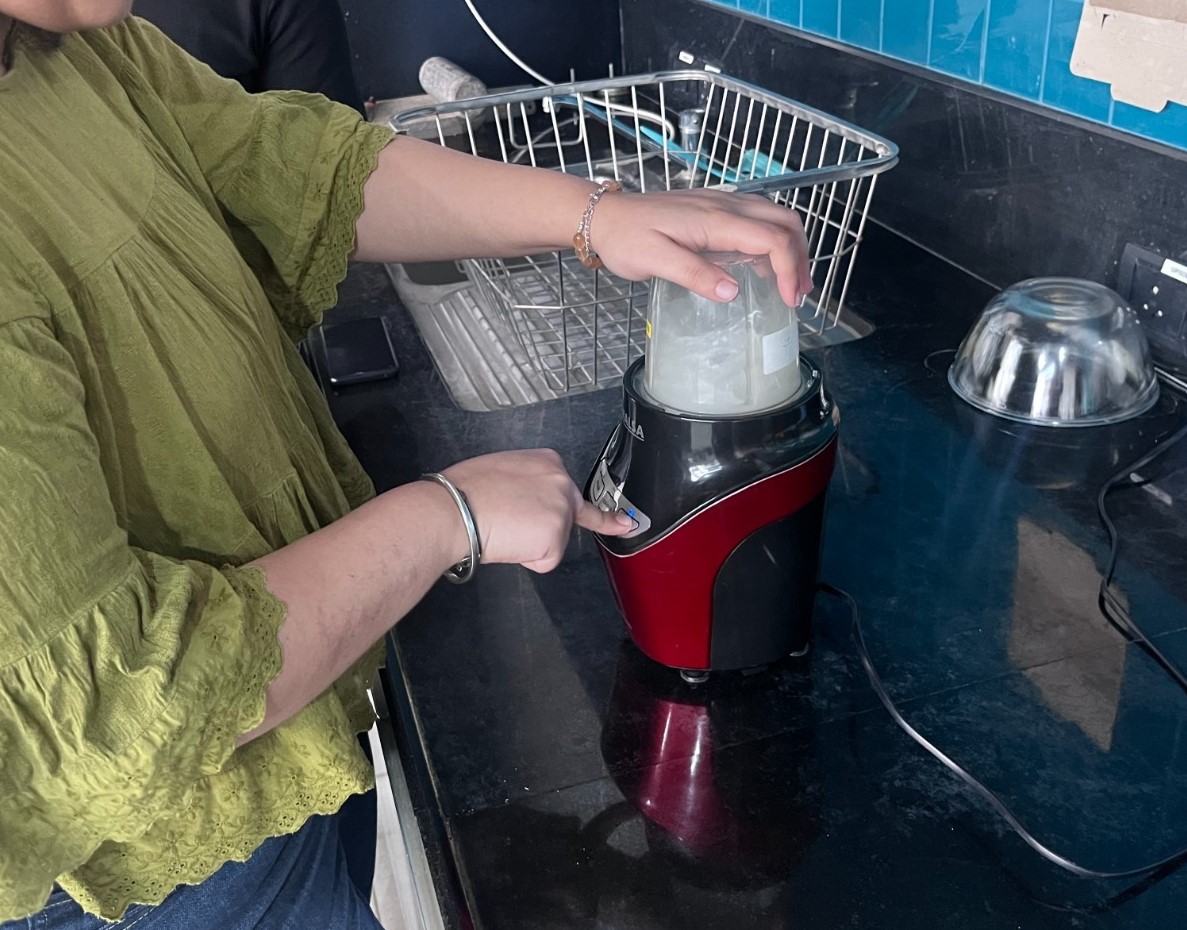
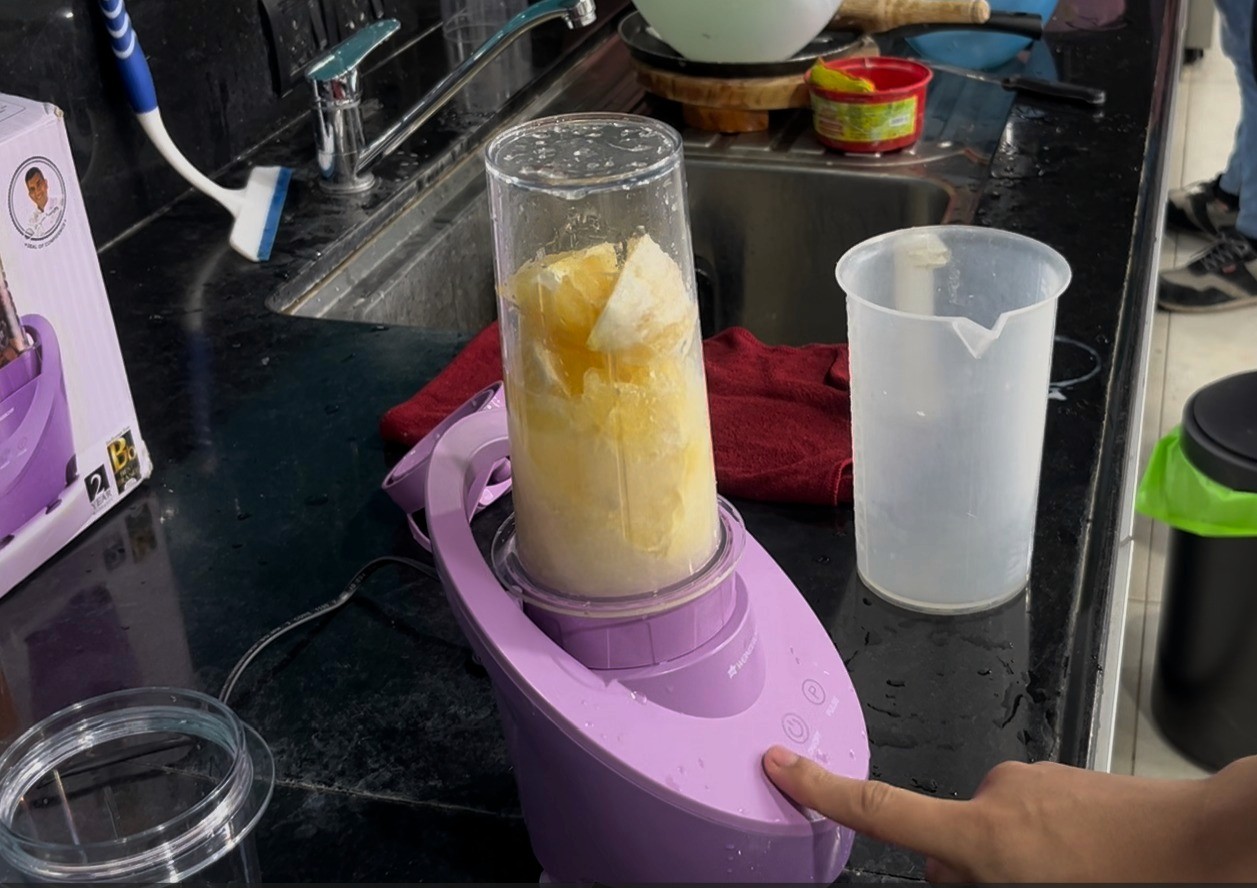

Analysis
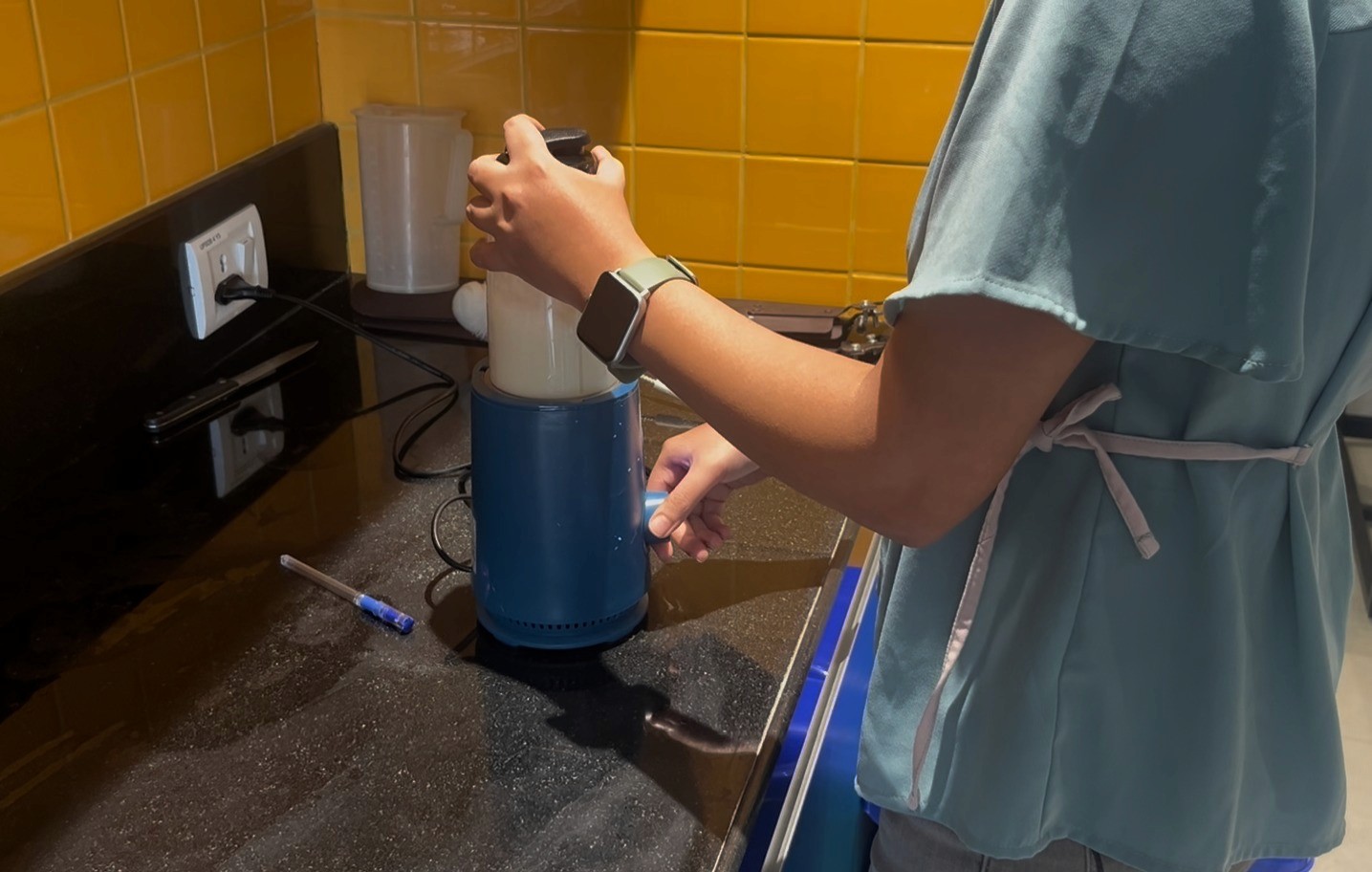
> the buttons were waterproof, but the tactile feeling was not preferred
> there was a small LED indication over each button, it was helpful but
not distinctly visible
> the positioning of the buttons were preferred as it was always in the
site of vision, and easy to operate while blending
> the touch operation was most preferred, as it felt premium and unique
> 30 sec timer was helpful as user did not have to think of when to
turn off the blender
> As light was within the button, not visible when touched
> Knob was very easy to use mode of operation
> Multiple speeds helped for better quality blending
> Press and rotate was found to be very difficult, while locking as
well as unlocking of the jar
> As soon as the jar was pressed the blender started, even before
it was locked, which was a risky task and was highlighted by all
the users
// User Personas
Multiple blending modes
Easy access for contols
Led light to guide the users during blending process
Touch interface more modern and intuitive
Different coloured lights to indicate users certain scenarios
Led indication size to be enough for easy identification + should be separate from the buttons
Jar lock assuarance
Sound feedback to confirm commands
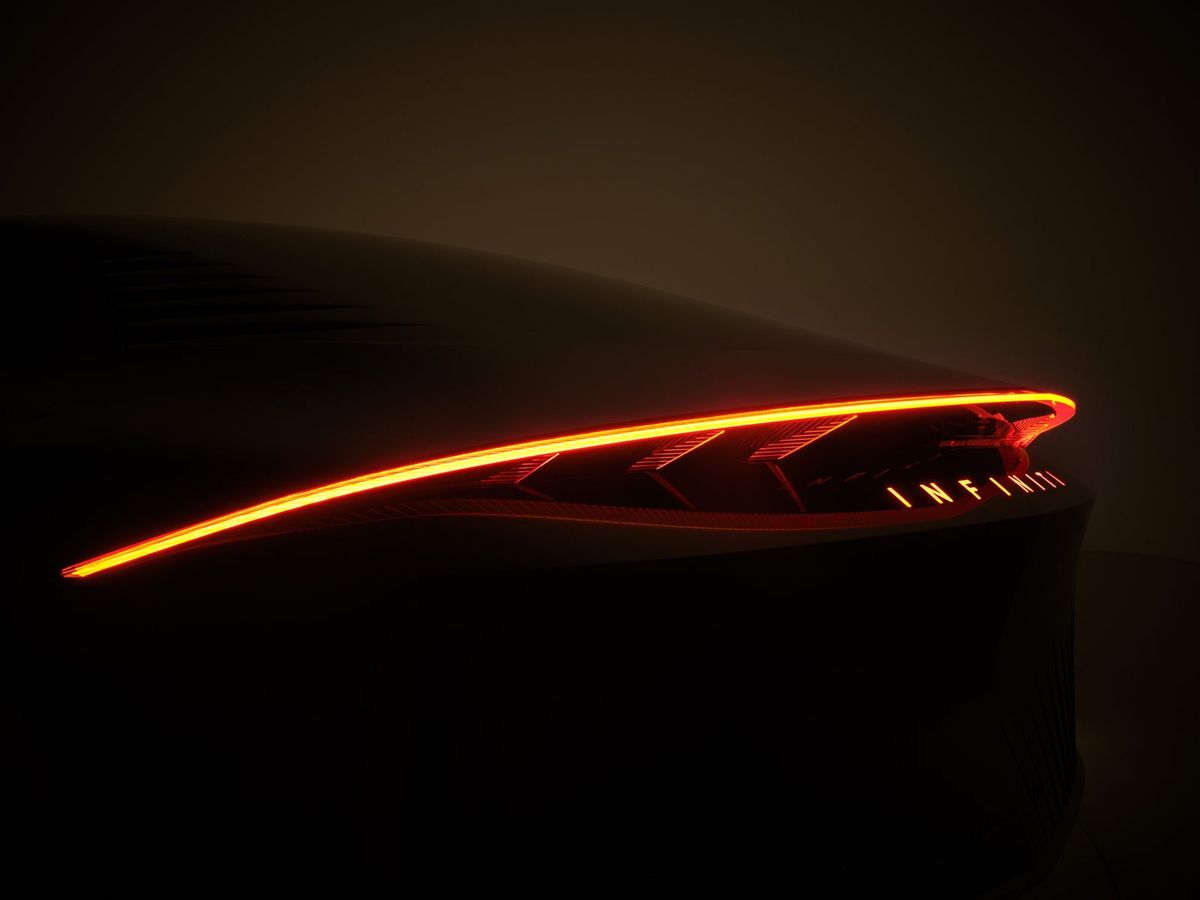
// Mood Board


// Jar Detection
Jar Not Locked
(LED animation breathing)
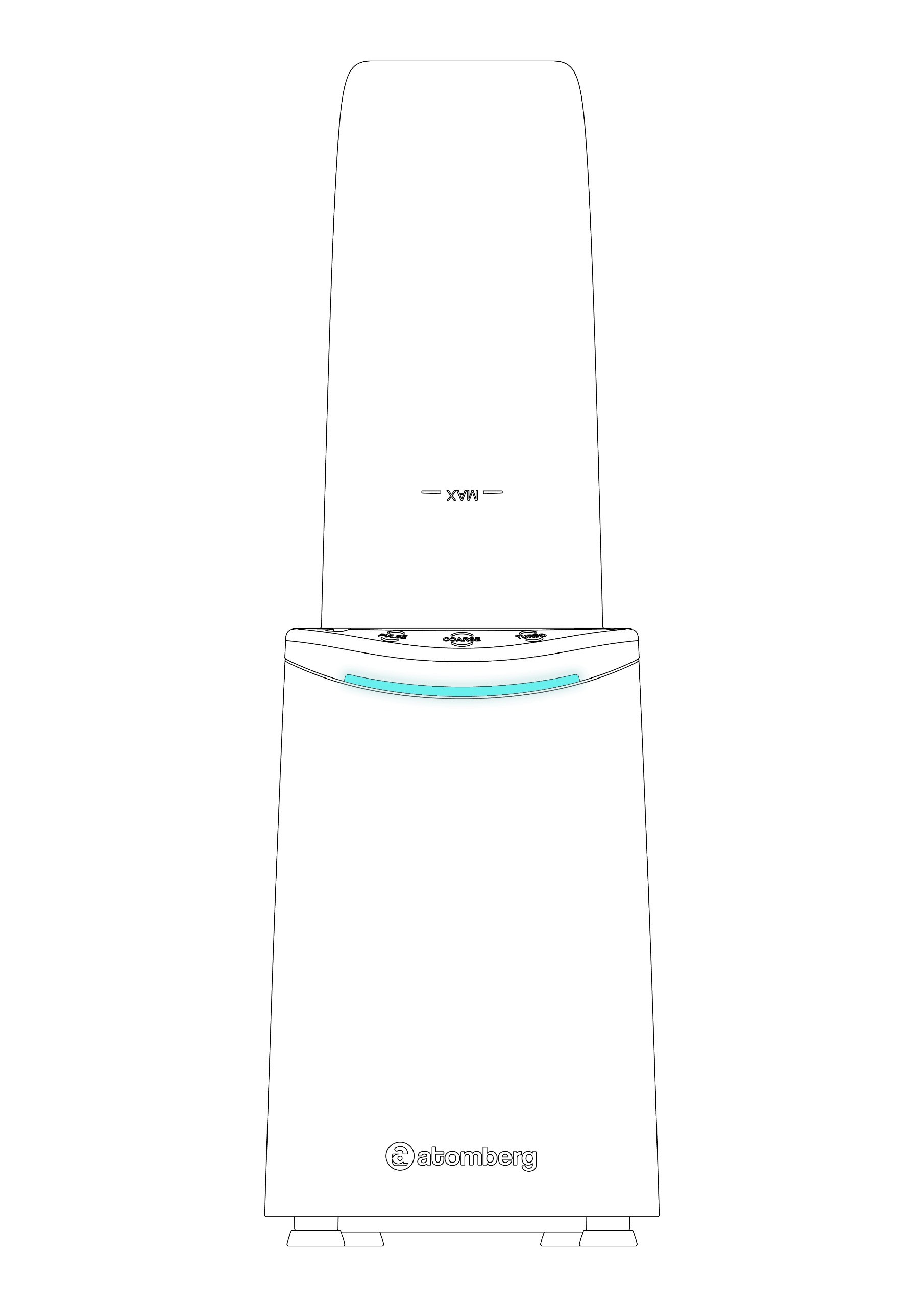
Jar Locked
(LED animation stable)

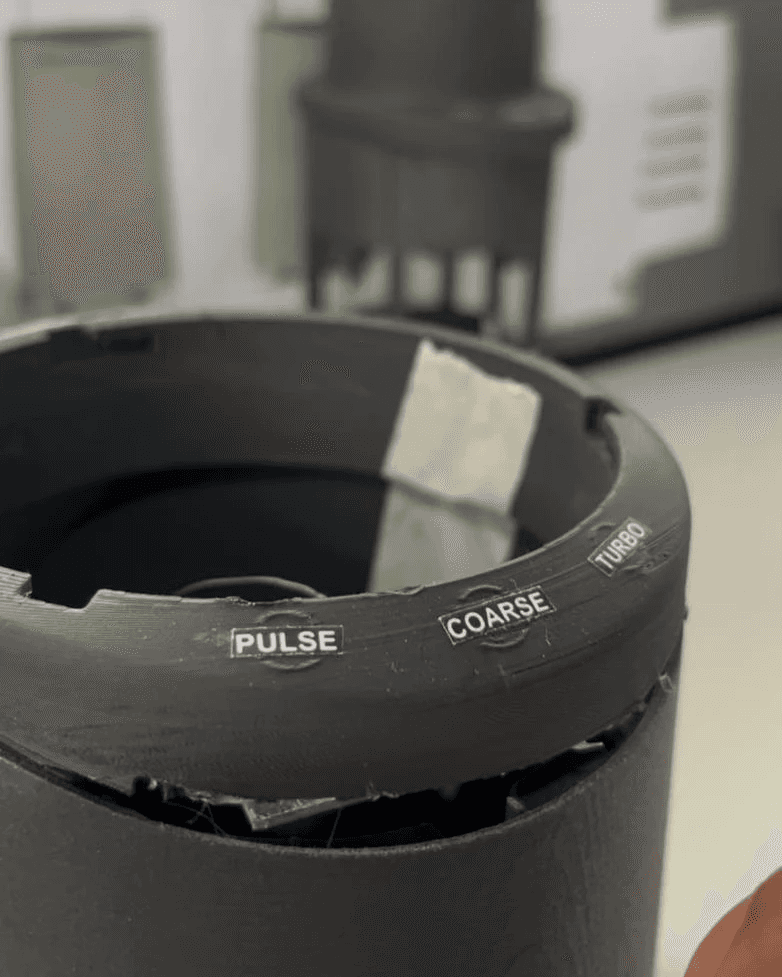
// 3 speeds
Pulse Mode
(Animation moving left to right
faster to denote high RPM)
Coarse Mode
(Animation moving left to right comparatively
slower to denote less RPM)
Turbo Mode
(Animation moving left to right
faster to denote high RPM)
// 1 min Safety Timer
(Animation countdown from left to right)
// Error Modes
Yellow Error
(Animation blinking to denote error)
Pink Error
(Animation blinking to denote error)
Red Error
(Animation blinking to denote error)
//User feedbacks+Problem solving
Uneven light distribution
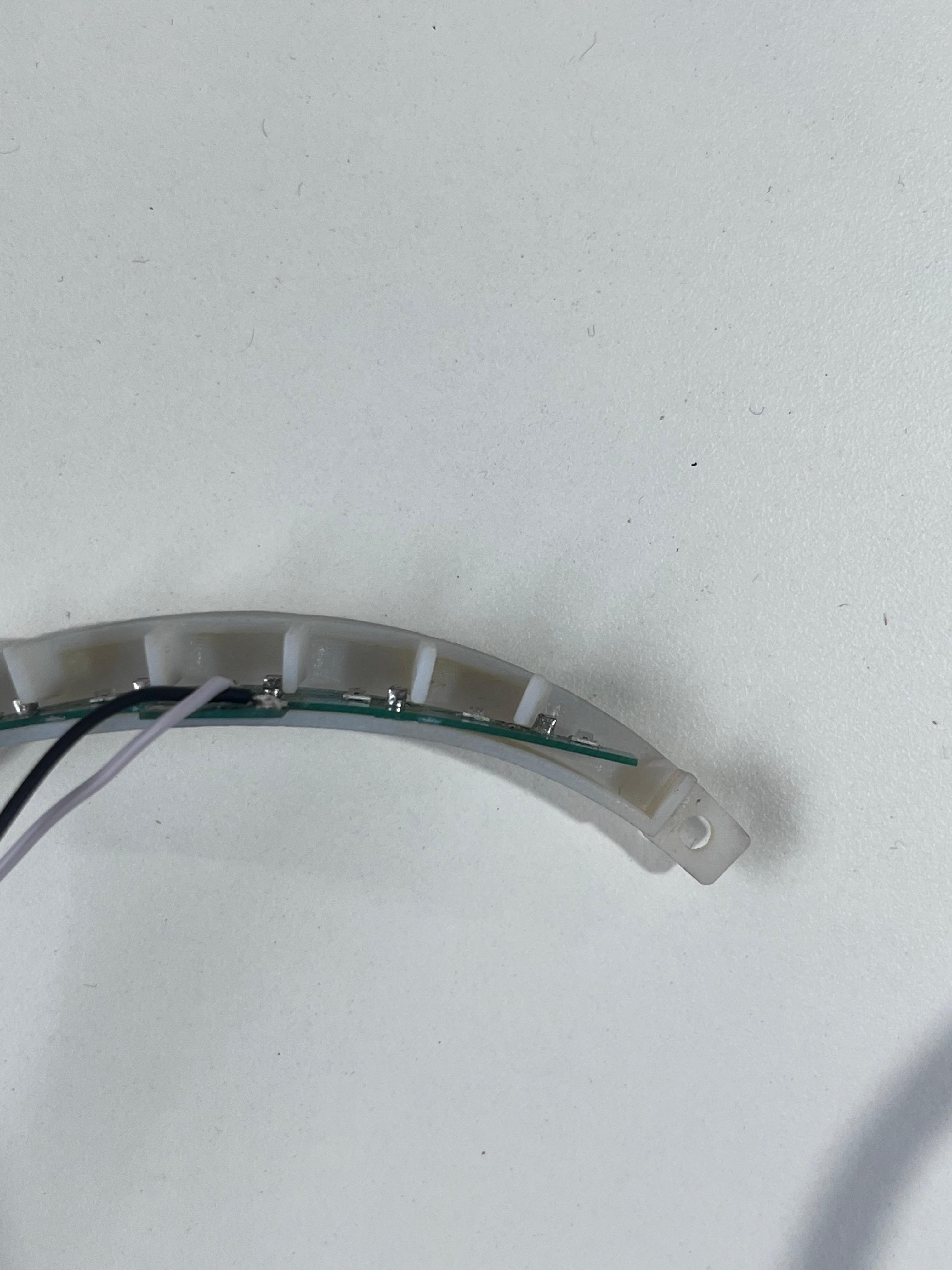
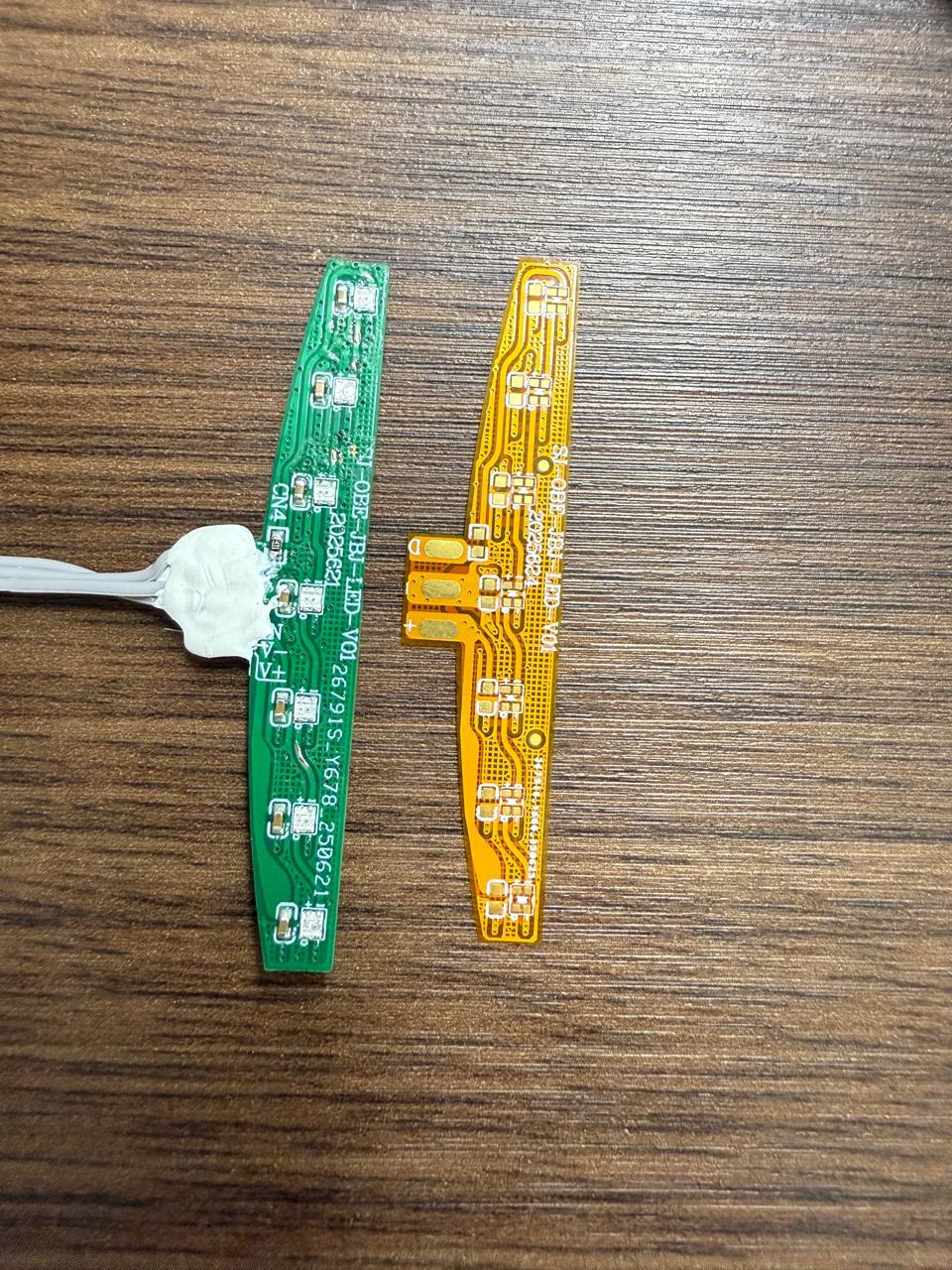
Flexible pcb allowed itself to mount along the curvature, leading to even light distribution in each segment
Tactile Button failure

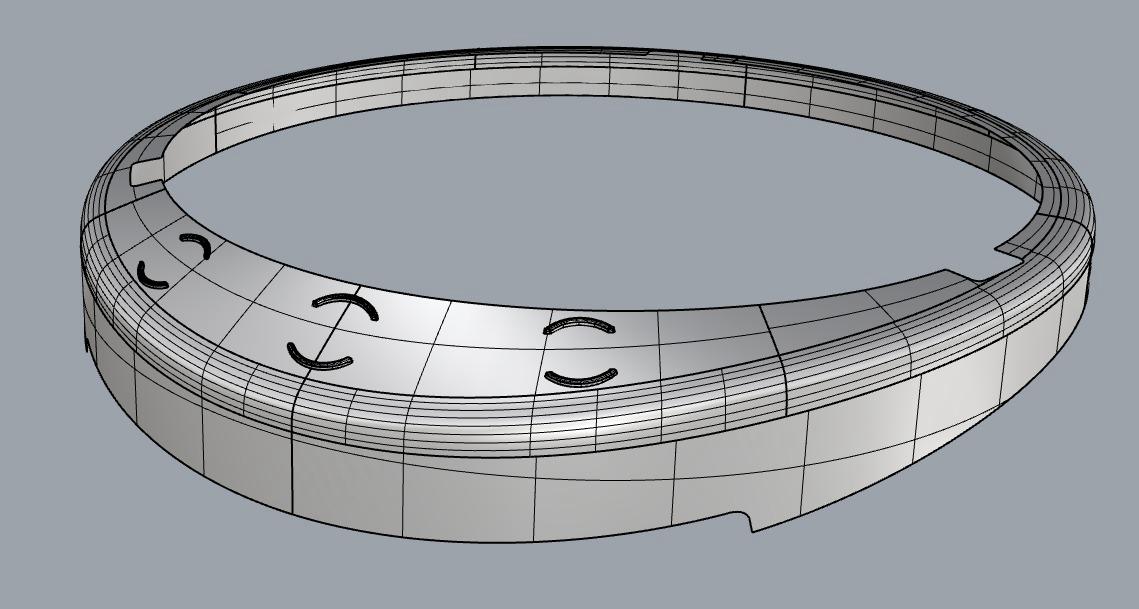
Due to space constraint tactile button feedback was not upto the mark as well as not a waterproof solution. hence capacitive touch was adapted which solved both the problems
Accidental touch led to
start of the blender
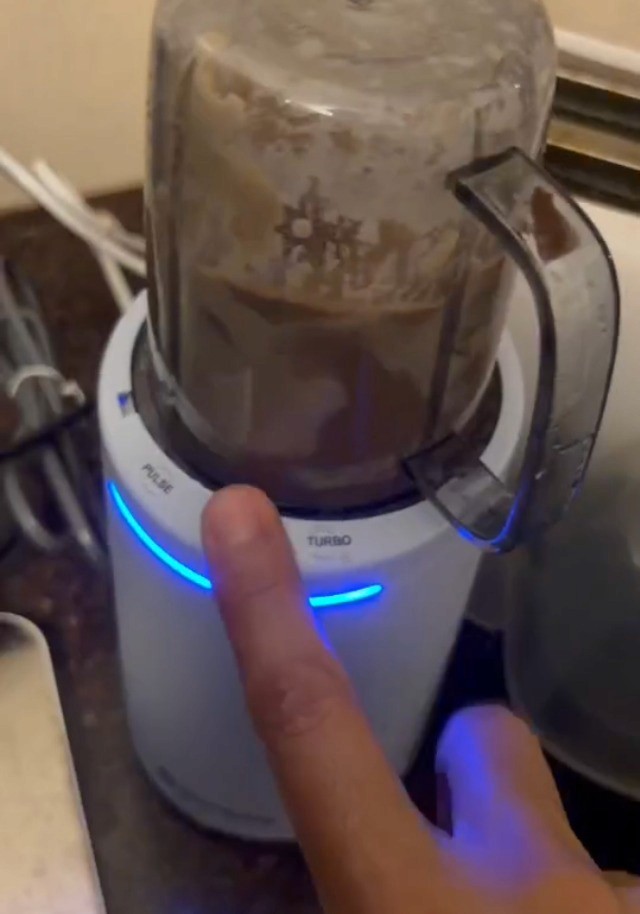
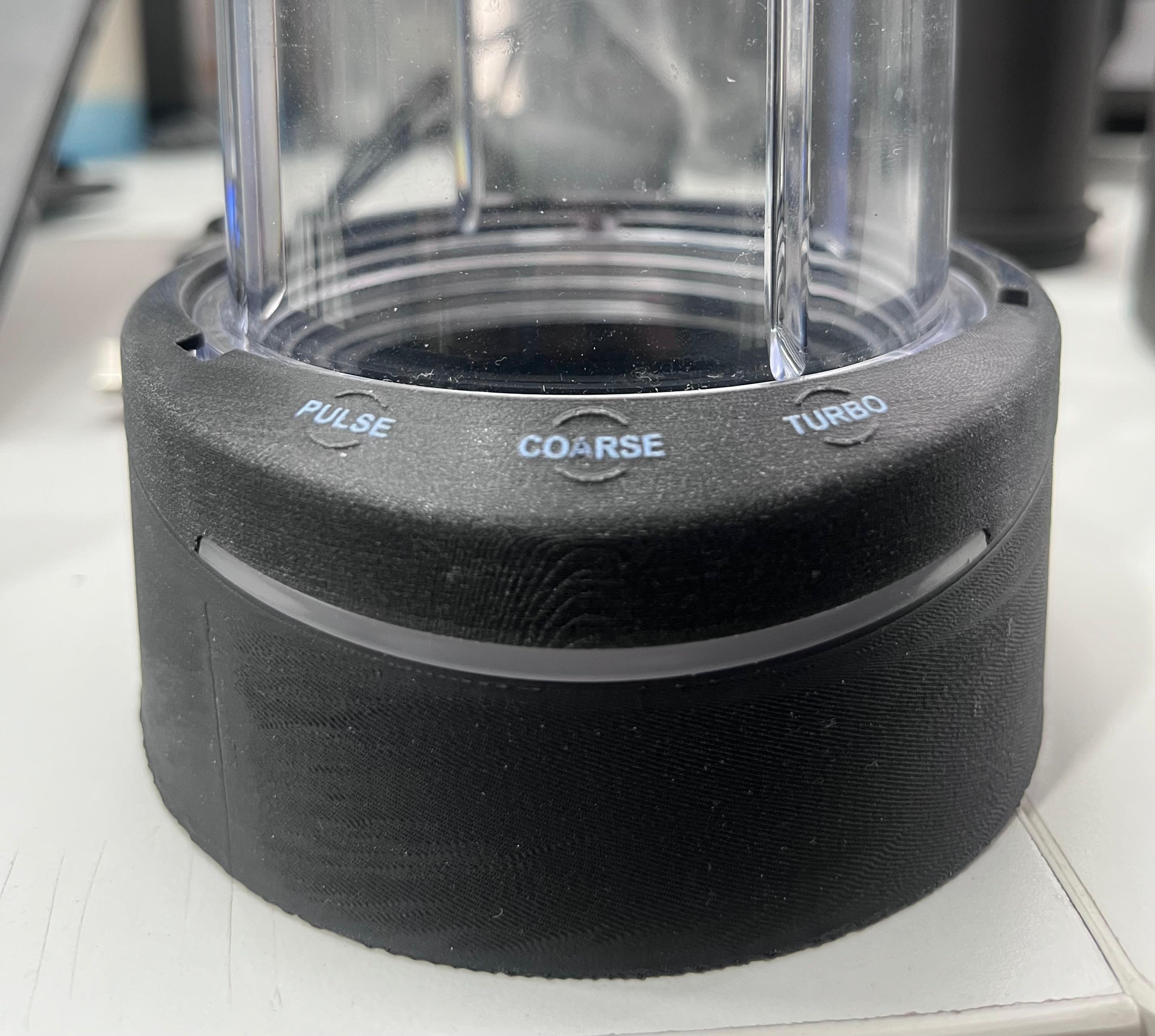
Delay of 150-200m secs was proposed